Fully offline
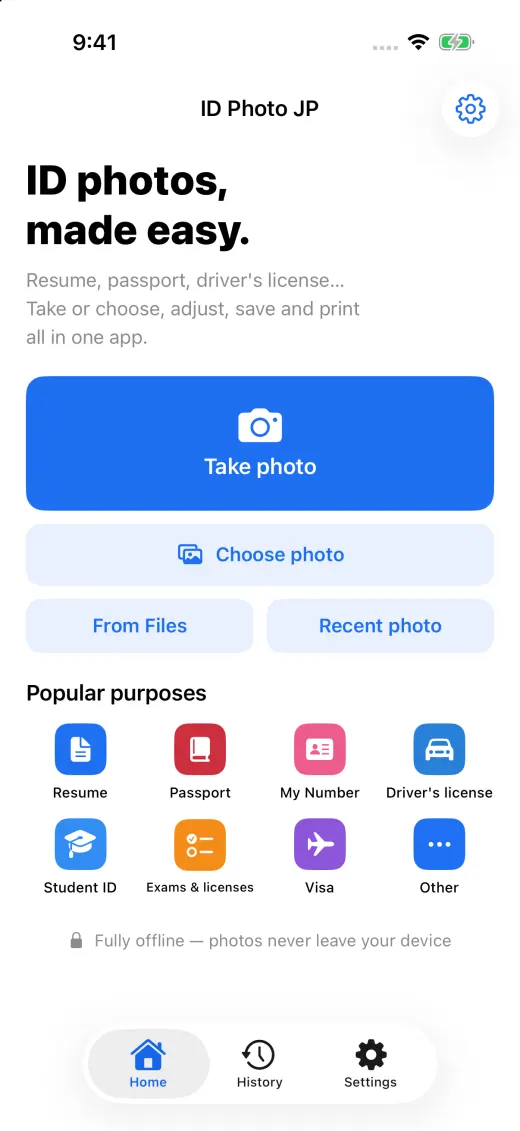
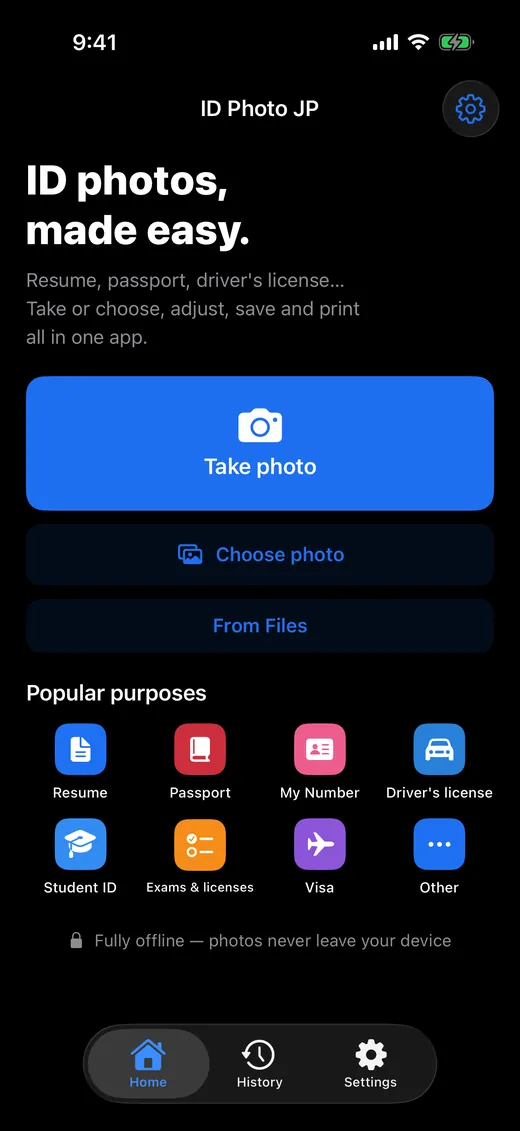
Your photos and face data never leave your device. Everything from shooting to the print sheet works without the internet.
Japanese ID photos on your phone
Shoot, adjust, save and print photos for résumés, passports, My Number cards, driver's licenses and more — on your phone. Photos are processed only on your device and never uploaded.
Three promises
Your photos and face data never leave your device. Everything from shooting to the print sheet works without the internet.
Not even in the free version. Nothing interrupts you halfway through a photo.
Pro is ¥1,480, paid once. It is not a subscription — nothing to pay every month or year.
How it works
Pick what the photo is for, and the app sets the size, the face size and the position.
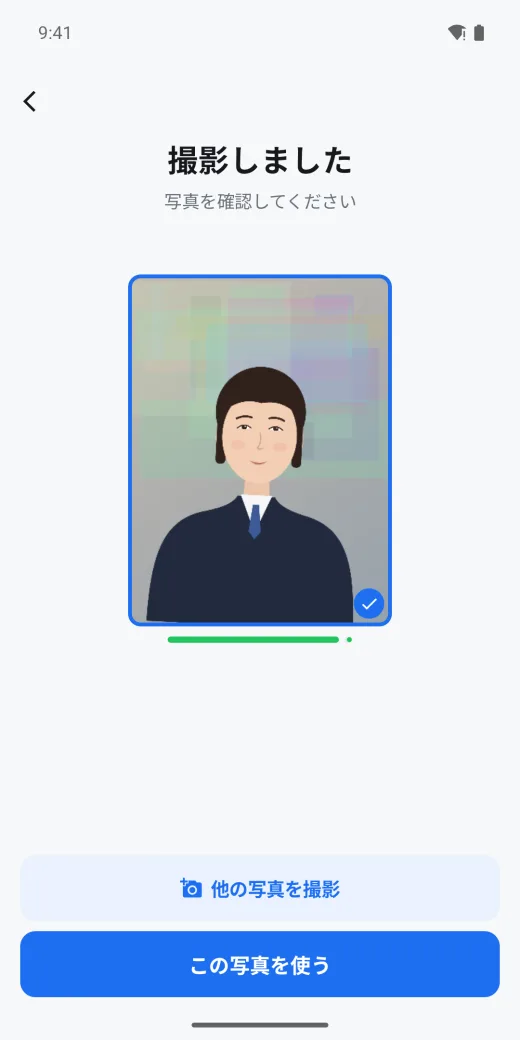
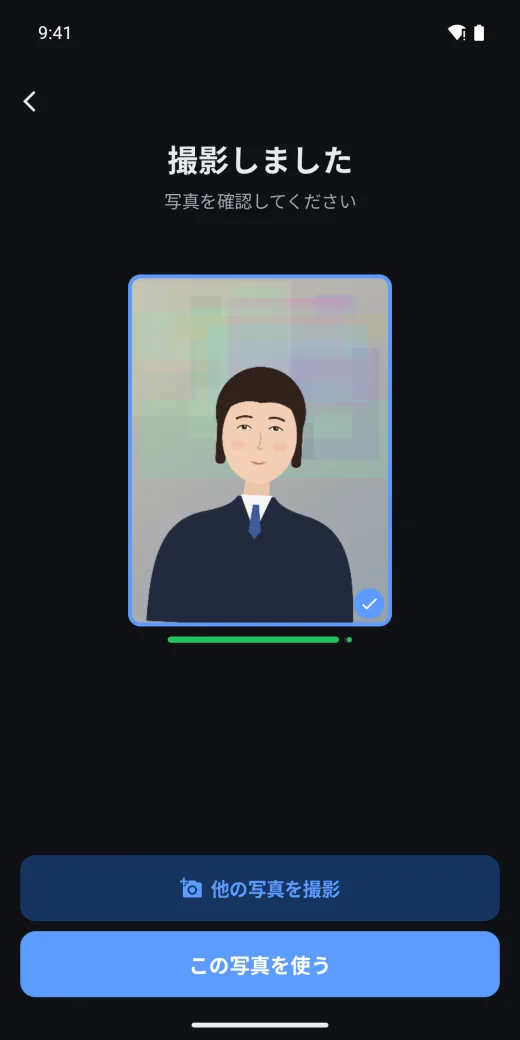
Pick the document and follow the guide. When everything lines up, it counts 3-2-1 and shoots. You can also start from a photo you already have.
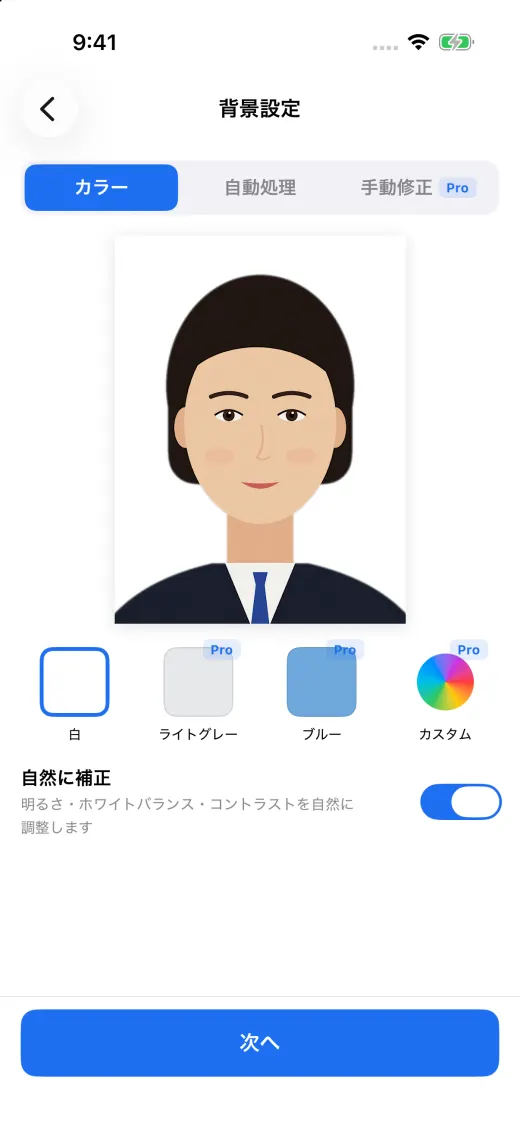
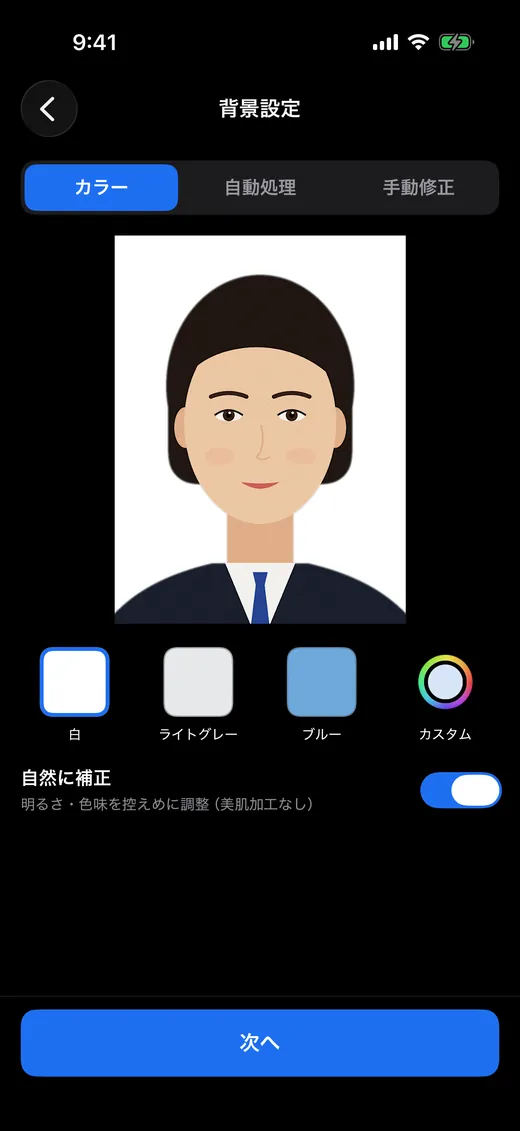
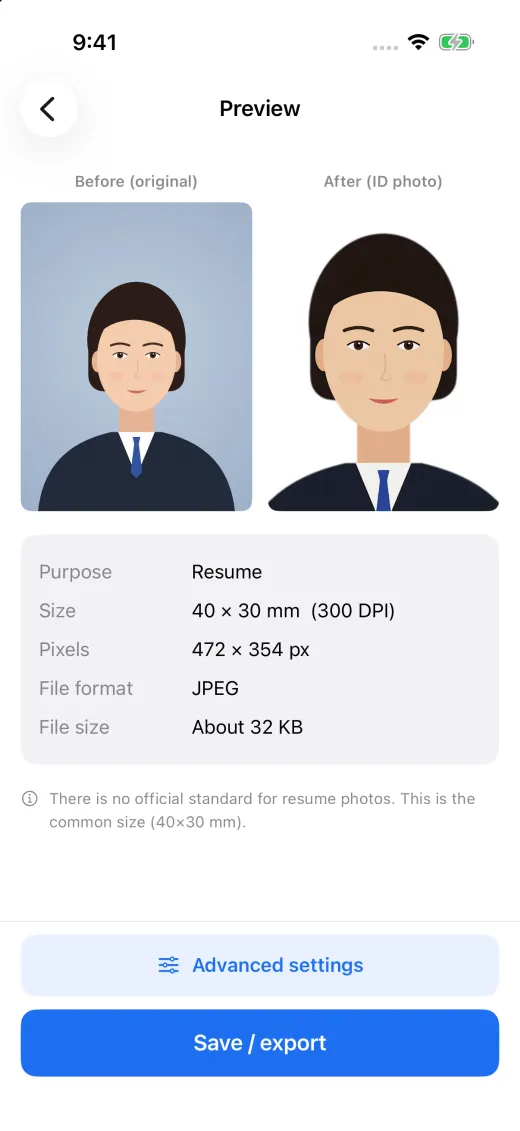
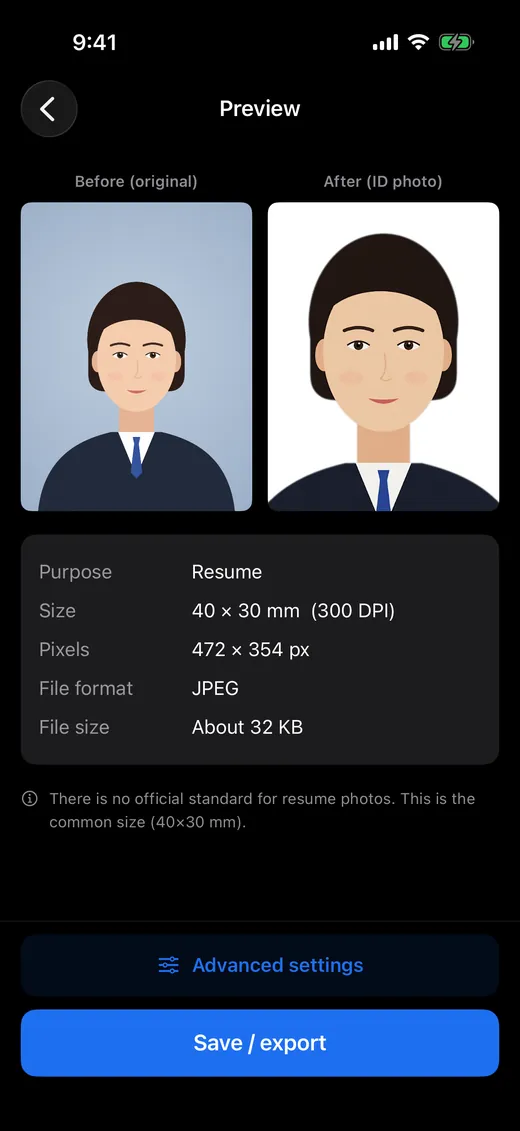
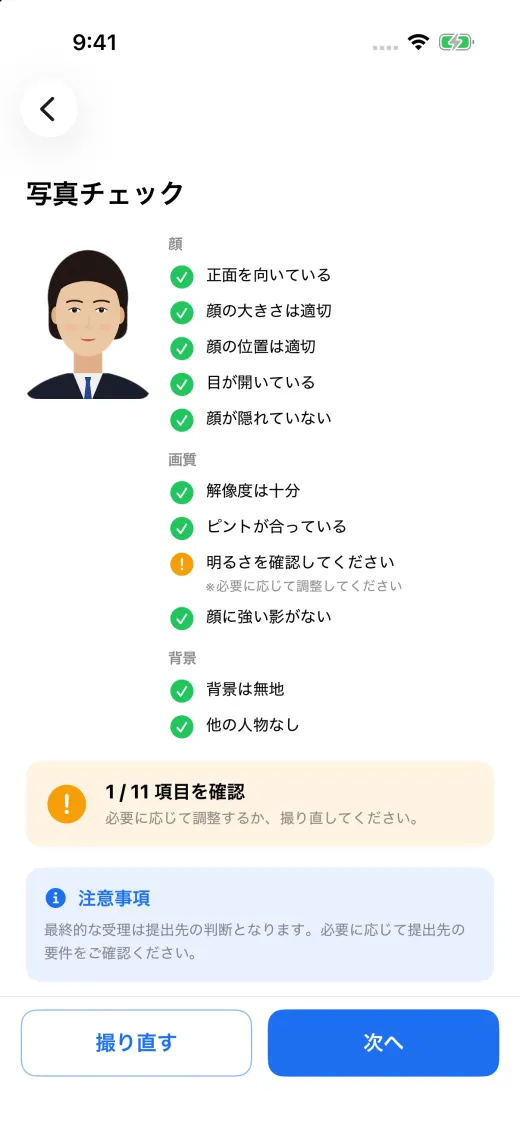
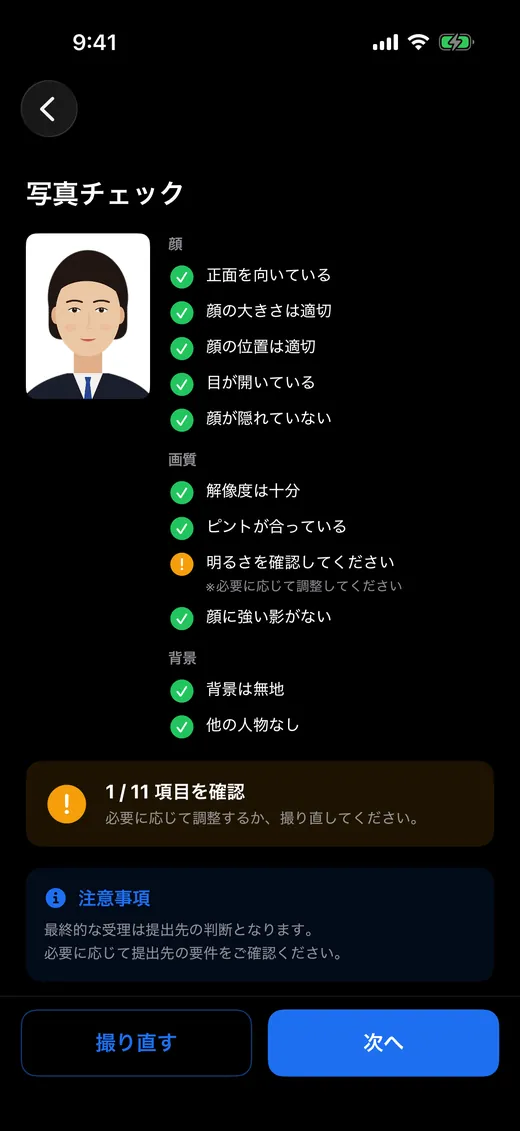
Position, size and tilt are set automatically and the background made plain. The photo check tells you how it turned out.
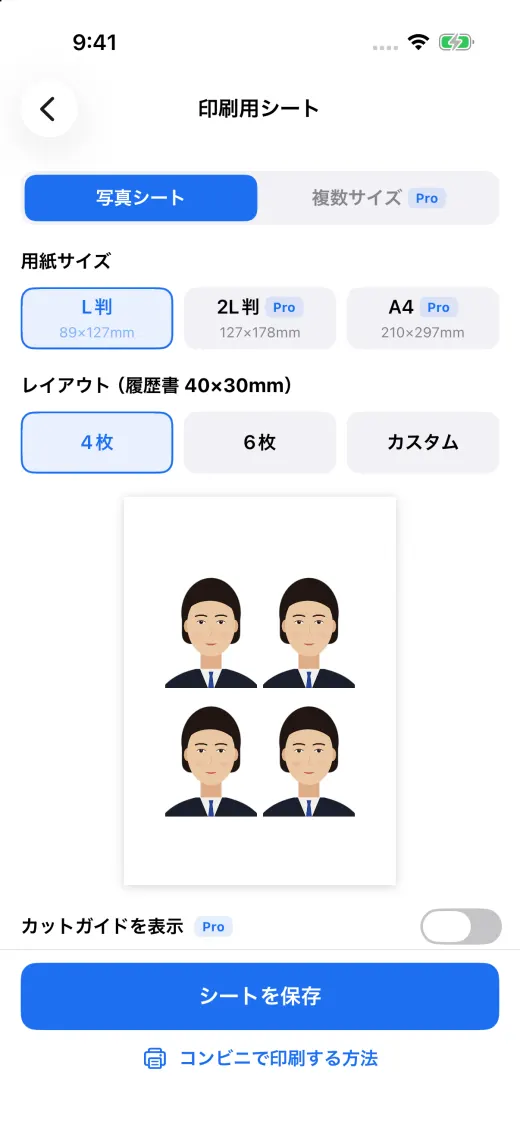
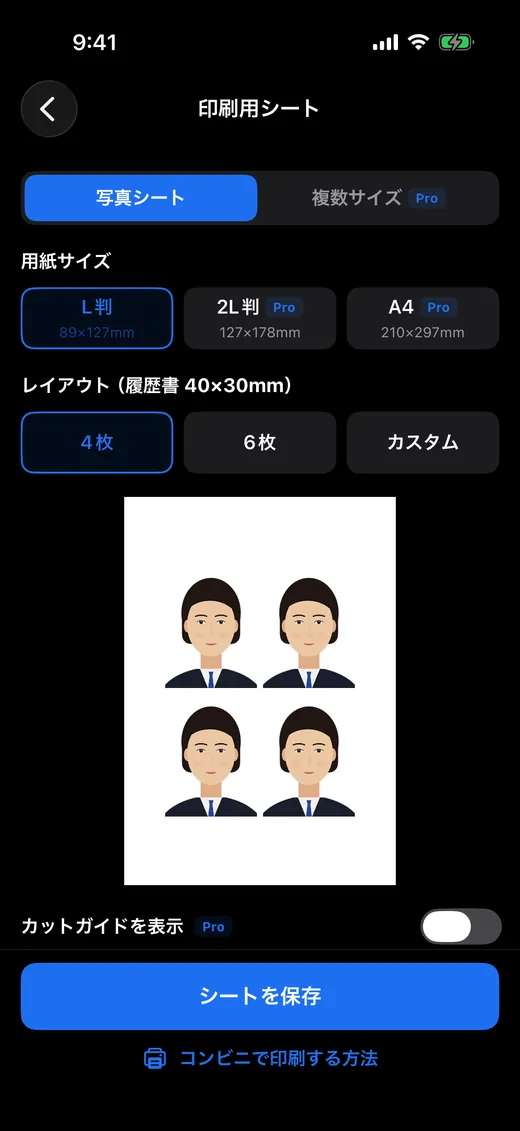
Save the file at the exact size, or make an L-size sheet to print at a convenience store.
Final acceptance is decided by the receiving office. Please also check its latest requirements.
Camera guide
The camera checks face position and size, facing forward, open eyes, lighting and blur as you move. When everything is right it counts down, takes the photo and shows it for you to check.
Automatic alignment and photo check
It finds your face and crops so the crown-to-chin length and the space above your head match the document. The tilt is corrected from your eyes, and you can fine-tune with a finger.
Background and correction
The app cuts you out and replaces the background with a plain one. Brightness, white balance and contrast are adjusted gently so your face looks natural.
Save as a file
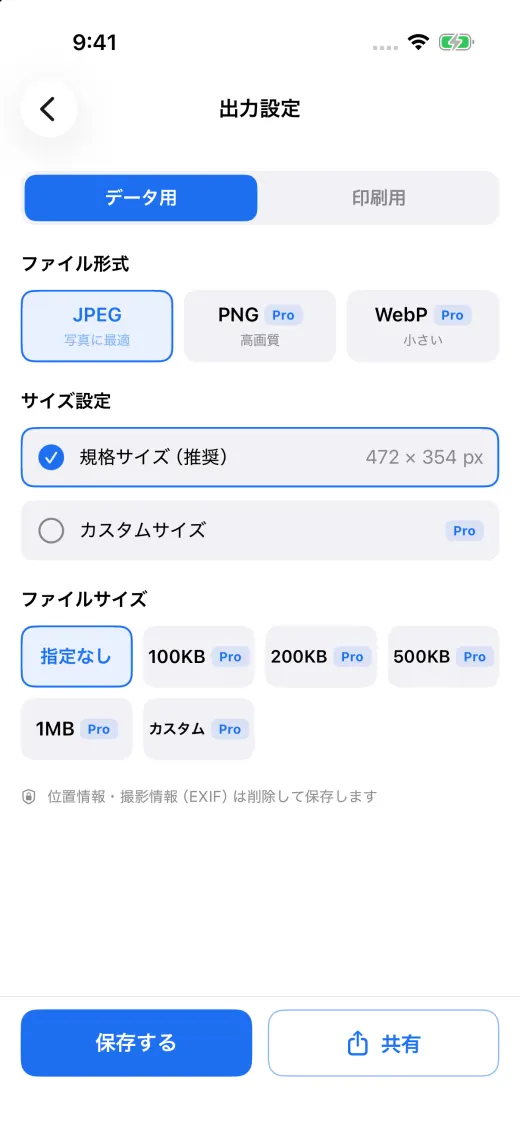
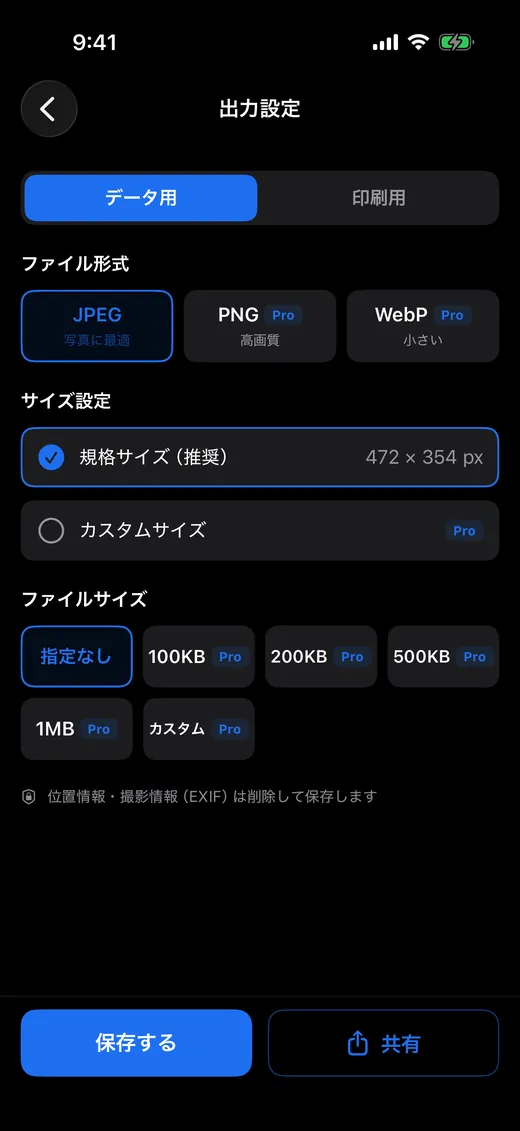
Saves a JPEG at each document's pixel size, and can fit a file-size limit such as "under 500 KB".
Print at a convenience store
The app lays your photos out on L-size paper (89×127 mm). Print it as a photo print on the multi-copier at 7-Eleven, Lawson or FamilyMart.
Supported documents
Pick the document and the app sets the size, face size and position. Other sizes can be made with Custom (Pro) in mm, cm, inch or px at any dpi.
For passports, My Number cards, driver's licenses, residence cards and visas, please also check the receiving office's latest requirements.
More
Your photos stay in history to save again later. With Pro there is no limit, and you can remake one for another document.
Choose to leave nothing in the app once the photo is done.
Ask for Face ID or a fingerprint when the app opens.
Delete history after 1, 7 or 30 days. Photos saved to your Photos app are never touched.
Switch the language inside the app at any time.
iOS 15 or later, Android 7.1 or later.
Privacy
ID Photo JP has no server. So it never receives your photos, and never keeps them.
Shooting, face detection, background removal, correction and saving all happen on your device. It only goes online to buy or restore Pro.
Face detection uses the on-device technology of iPhone and Android. Its results never leave your device.
Nothing to sign up for, and no advertising or analytics tools inside.
History is kept only inside the app. Delete one item or all of it.
Pricing
Résumé, student ID and exam photos are free. For passports, My Number cards and other documents, background colors or file-size targets, get the one-time Pro.
¥0
Résumé, student ID and exam photos, printed on L size
¥1,480One-time purchase
| Feature | Free | Pro |
|---|---|---|
| Camera guide and auto-capture | Included | Included |
| Start from a photo you already have (Photos, Files) | Included | Included |
| Résumé, student ID, exams & licenses | Included | Included |
| Passport, My Number Card, driver's license, residence card, visa | Not included | Included |
| Custom sizes and saved presets | Not included | Included |
| Automatic alignment and manual fine-tuning | Included | Included |
| Photo check (every item) | Included | Included |
| White background | Included | Included |
| Light gray, blue or custom background, edge control, manual touch-up | Not included | Included |
| Natural correction | Included | Included |
| JPEG at the exact pixel size | Included | Included |
| PNG, WebP, file-size target, custom pixels | Not included | Included |
| L-size print sheet (one size) | Included | Included |
| 2L, A4, mixed sizes, cut guides | Not included | Included |
| Convenience-store guide and print-size test | Included | Included |
| History | Latest 3 | Unlimited, re-export for another use |
| App lock and auto-delete | Not included | Included |
| Ads | None | None |
ID Photo JP Pro is a one-time purchase, not a subscription. It never renews or bills you again. Apple or Google handles the purchase; we never receive your payment details.
Prices are the tax-inclusive prices on the Japanese App Store and Google Play. They may differ by country or region; the purchase screen shows the actual price. There is no free trial — the free version lets you try the whole flow as it is.
FAQ
Yes. Shooting, face detection, background removal, correction, saving and print sheets all run on your device. It only goes online to buy Pro or restore a purchase.
We can't promise that. The app sets the size and face position to published standards and checks the photo, but final acceptance is decided by the receiving office. Please also check its latest requirements.
Make sure "Fit to paper" or "Fit" is not selected, and print at 100%. Choose "with border", not "borderless". The app's print-size test lets you check that a 50 mm square prints at 50 mm.
No. Pro is a one-time purchase of ¥1,480. It never renews and never bills you monthly.
The camera guide and auto-capture, starting from your own photo, résumé, student ID and exam photos, automatic alignment and the photo check, a white background, natural correction, JPEG saving, the L-size print sheet, the convenience-store guide and the latest 3 items of history. There are no ads.
Download
No account. Install it and start shooting.